frametrellis-v1-1-0-release
FrameTrellis v1.1.0 introduces timeline clip duplication, transparent PNG titles, headless rendering, and improved reliability. Download the free video editor.
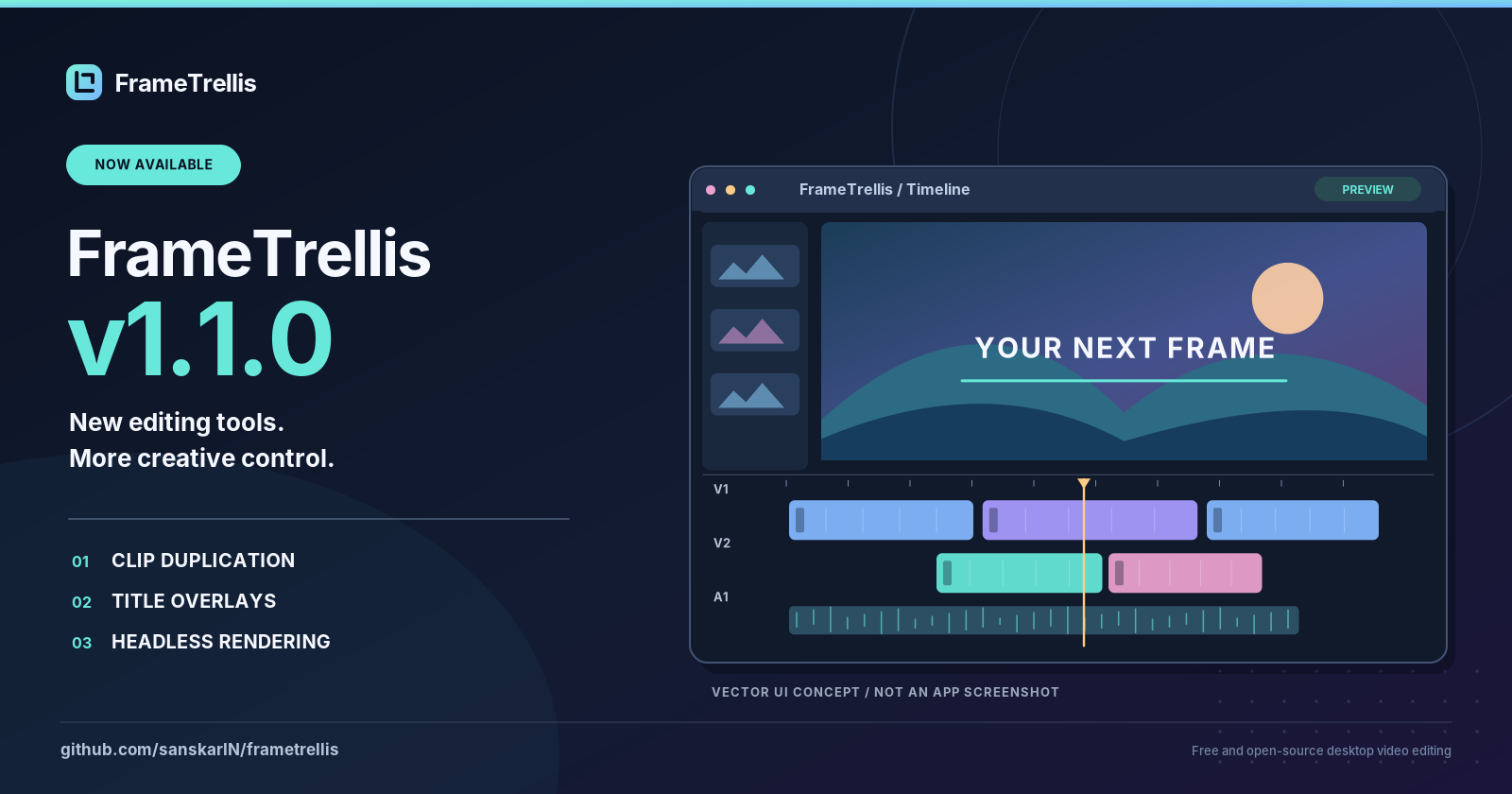
FrameTrellis v1.1.0 Released: New Editing Features and Improved Reliability
Published: October 15, 2026
FrameTrellis v1.1.0 is officially available, introducing new editing capabilities, rendering options, and quality improvements to the open-source desktop video editor.
Built with C++20, Qt/QML, MLT, and FFmpeg, FrameTrellis focuses on precise multi-track editing and local-first media processing.
What's New in FrameTrellis v1.1.0?
Faster Editing with Clip Duplication
Users can now duplicate selected timeline clips with Ctrl+D, the Edit menu, or the timeline toolbar.
The duplicated clips preserve their original source trims and adjustments, making repeated edits more convenient.
Create Custom Title Overlays
The application now provides a built-in tool for generating transparent PNG titles with configurable text colors and font sizes.
Generated titles can be added to the timeline, positioned, and trimmed just like other image clips.
Container-Based Headless Rendering
A headless renderer is now available for compatible projects, providing new possibilities for automated rendering workflows.
Better Testing and Compatibility
Version 1.1.0 expands automated testing across important editing operations and project management workflows.
The release has passed Windows and Linux continuous integration, static analysis, sanitizer checks, and Windows package verification.
Projects created with FrameTrellis v1.0.0 remain compatible.
Local-First Video Editing
FrameTrellis is designed to operate without cloud processing.
It provides:
- Non-destructive editing
- Multi-track video and audio timelines
- Real-time playback and preview
- Audio and picture adjustments
- MP4 exports
- Project autosaving and crash recovery
- An account-free, telemetry-free experience
The software is distributed under the GPL-3.0-or-later open-source license.
Download FrameTrellis v1.1.0
The following distribution options are available:
Windows 10/11 (x64): Download the installer or portable ZIP.
Linux (x86-64): Build from source using the documented instructions.
macOS: Official support is not yet available.
Visit the release page for downloads, checksums, and installation information.
Official Download:
https://github.com/sanskarIN/frametrellis/releases/tag/v1.1.0
Project Website:
https://sanskarin.github.io/frametrellis/
GitHub Repository:
https://github.com/sanskarIN/frametrellis
The Road Ahead
FrameTrellis continues to evolve, with plans for native editable title layers, keyframes, subtitles, additional export formats, and broader platform support.
Developers and users are encouraged to explore the project, contribute improvements, and report issues through GitHub.
FrameTrellis v1.1.0 represents another step toward a capable, privacy-focused, open-source desktop video editor.