Hello, world: the blog is open
The first post on this blog: what it is for, how anyone with a GitHub account can write a post, and how a post travels from a GitHub issue to this website.
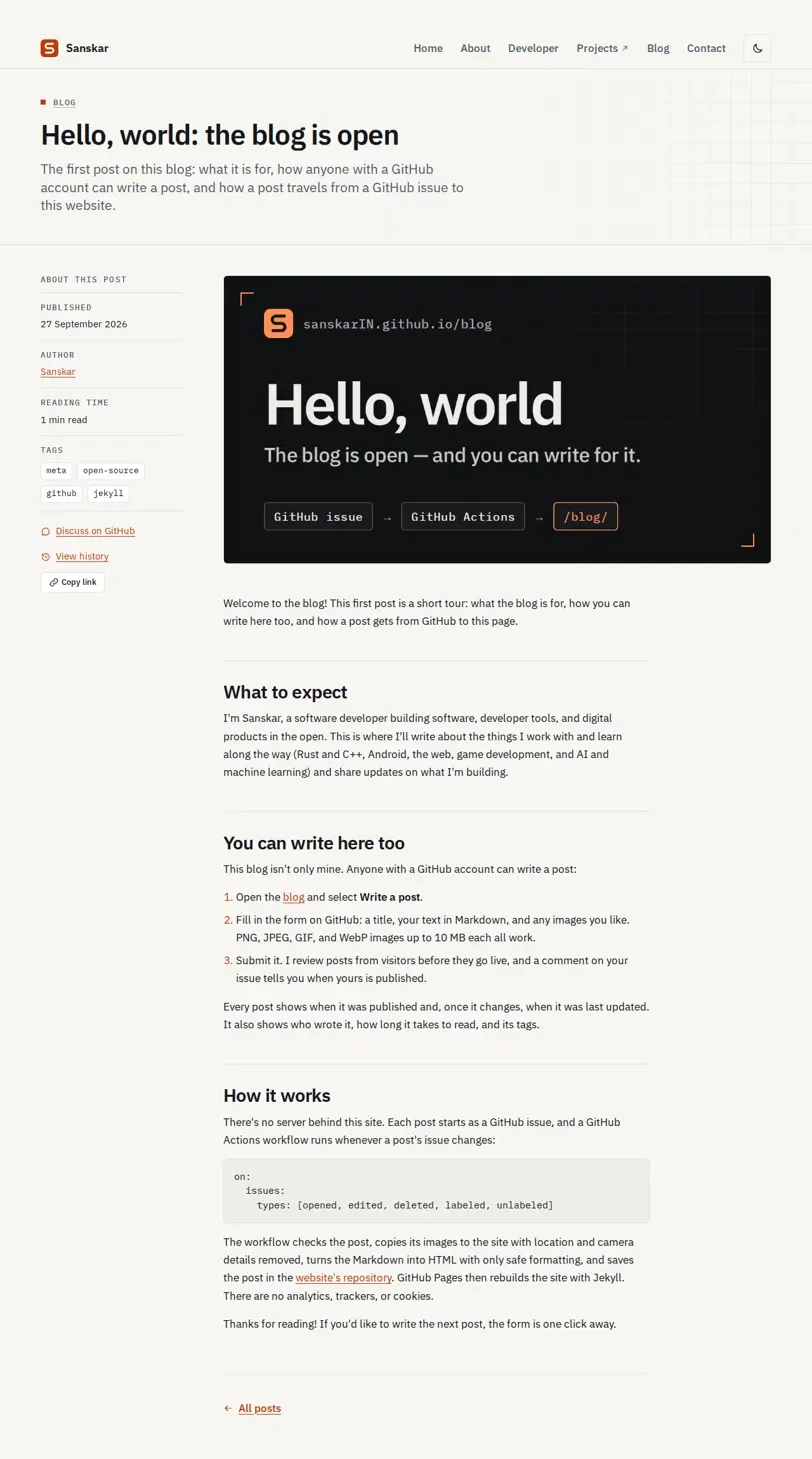
Welcome to the blog! This first post is a short tour: what the blog is for, how you can write here too, and how a post gets from GitHub to this page.
What to expect
I'm Sanskar, a software developer building software, developer tools, and digital products in the open. This is where I'll write about the things I work with and learn along the way (Rust and C++, Android, the web, game development, and AI and machine learning) and share updates on what I'm building.
You can write here too
This blog isn't only mine. Anyone with a GitHub account can write a post:
- Open the blog and select Write a post.
- Fill in the form on GitHub: a title, your text in Markdown, and any images you like. PNG, JPEG, GIF, and WebP images up to 10 MB each all work.
- Submit it. I review posts from visitors before they go live, and a comment on your issue tells you when yours is published.
Every post shows when it was published and, once it changes, when it was last updated. It also shows who wrote it, how long it takes to read, and its tags.
How it works
There's no server behind this site. Each post starts as a GitHub issue, and a GitHub Actions workflow runs whenever a post's issue changes:
on:
  issues:
    types: [opened, edited, deleted, labeled, unlabeled]
The workflow checks the post, copies its images to the site with location and camera details removed, turns the Markdown into HTML with only safe formatting, and saves the post in the website's repository. GitHub Pages then rebuilds the site with Jekyll. There are no analytics, trackers, or cookies.
Thanks for reading! If you'd like to write the next post, the form is one click away.