SudokuNova v0.2.1 Released — Windows Desktop Improvements
SudokuNova v0.2.1 adds native desktop menus, keyboard shortcuts, improved Windows installation, and a better desktop experience for the open-source Sudoku game.
SudokuNova v0.2.1 Released — Windows Desktop Improvements
SudokuNova v0.2.1 is officially available on GitHub!
This update improves the desktop experience of SudokuNova, my open-source, offline-first Sudoku application built with Kotlin and Compose Multiplatform.
What's new in v0.2.1?
The release introduces several Windows-focused improvements.
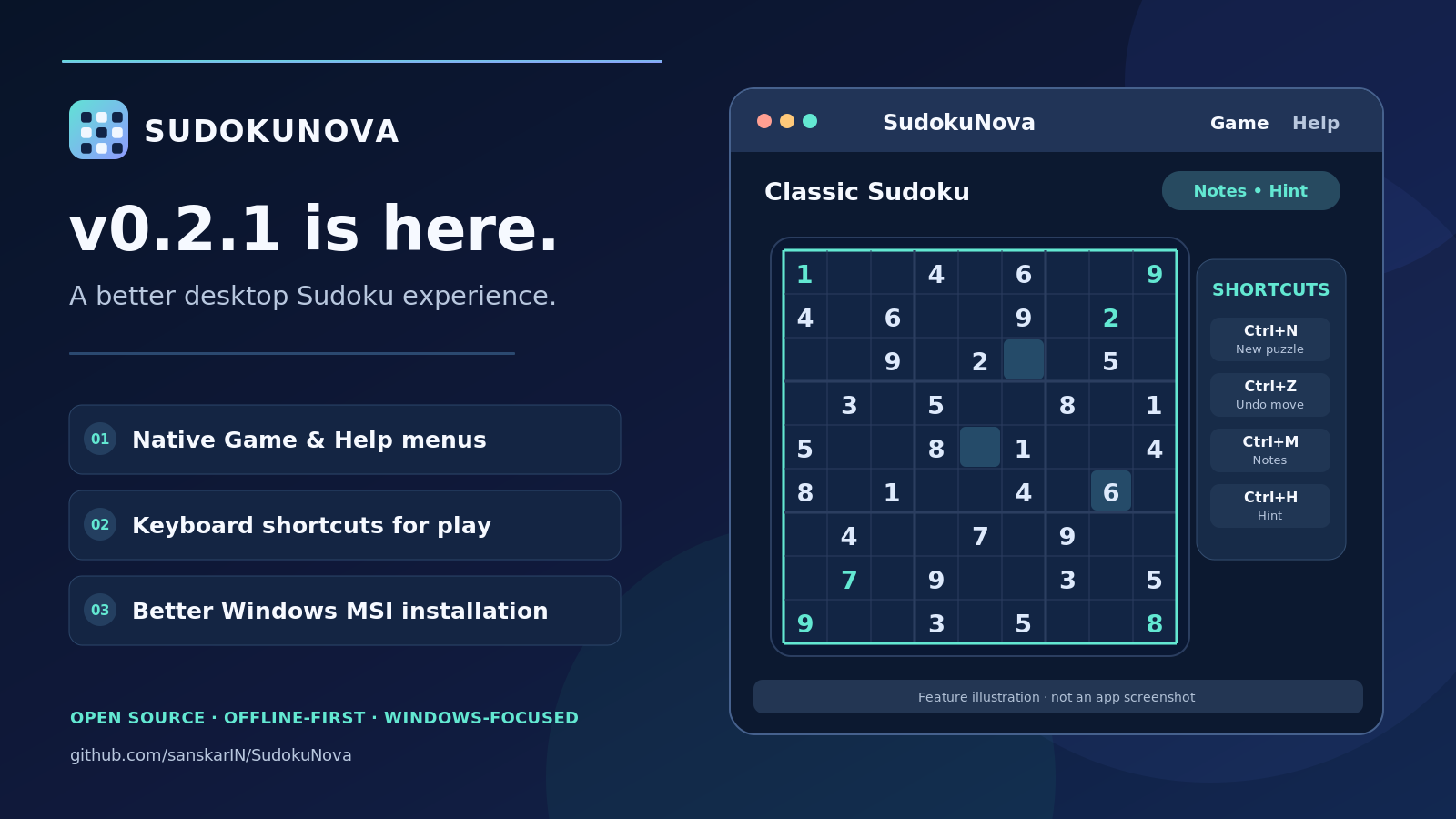
Native desktop menus: The new Game and Help menus provide convenient access to essential actions and project resources.
Keyboard shortcuts: Use Ctrl+N for a new puzzle, Ctrl+Z to undo, Ctrl+M to toggle notes, and Ctrl+H to request a hint.
Improved desktop layout: The application opens at a more comfortable default size and supports resizing.
Better Windows installation: The MSI installer now includes improved installation options and Start-menu integration.
Release verification: Additional checks help validate installer metadata and distribution artifacts.
Available downloads
The GitHub release includes desktop packages for Windows, macOS, and Linux, alongside a browser distribution ZIP and development/testing artifacts for Android and iOS.
Production signing and some platform-specific compatibility checks remain separate release considerations.
Download SudokuNova
Get the latest release, explore the source code, or contribute improvements.
GitHub Release:
https://github.com/sanskarIN/SudokuNova/releases/tag/v0.2.1
Source Code:
https://github.com/sanskarIN/SudokuNova
SudokuNova will continue evolving with improvements to usability, accessibility, platform support, and gameplay.
Think. Solve. Master the Grid.