eyezen-v1-1-1-multi-monitor-screen-comfort
EyeZen v1.1.1 brings multi-monitor screen comfort, adjustable warmth and intensity, automatic display checks, and quick controls. Local-first, open source, and cross-platform.
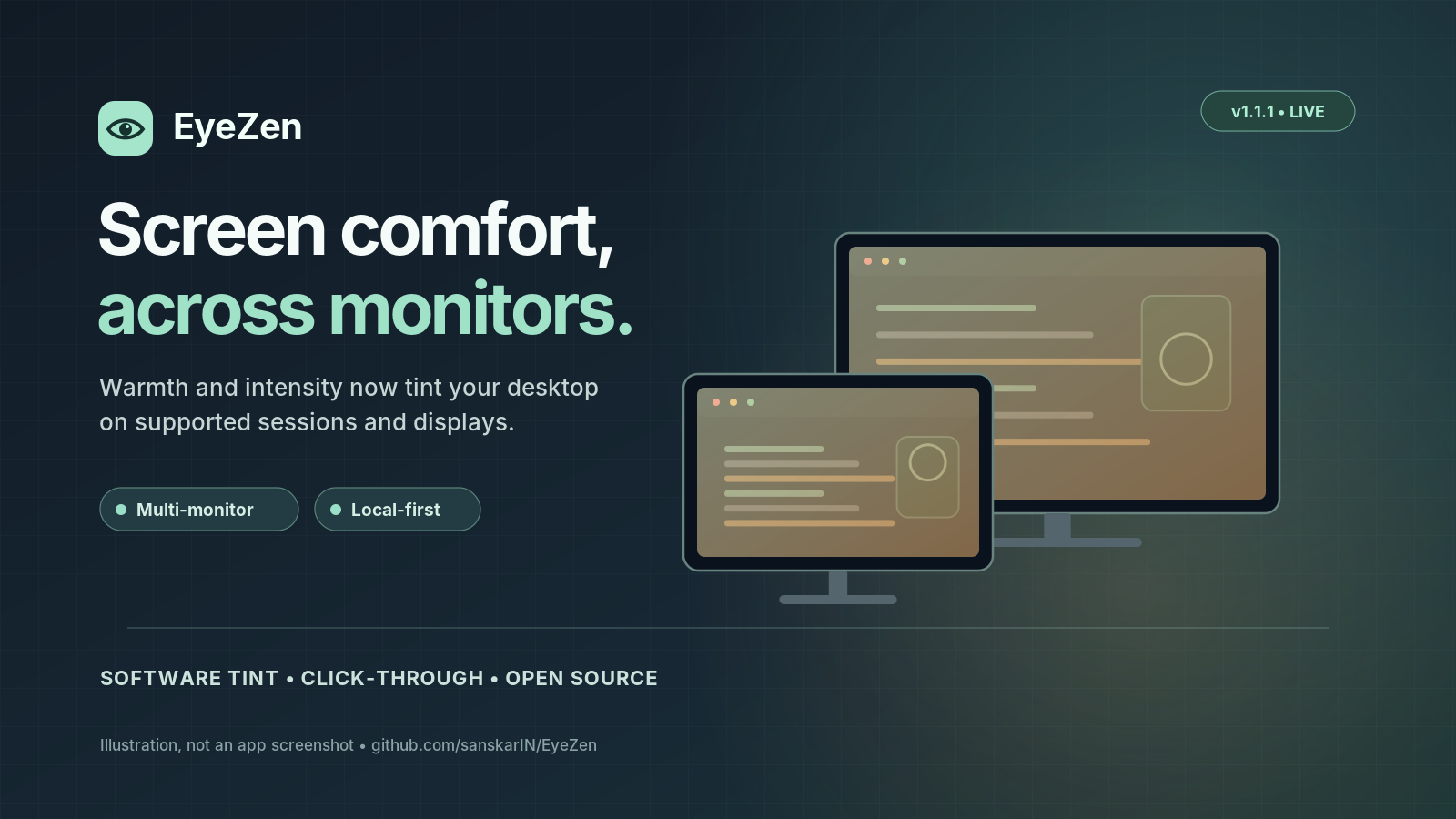
EyeZen v1.1.1 Released — Multi-Monitor Screen Comfort Is Here
Published: October 15, 2026
EyeZen v1.1.1 is officially available on GitHub, introducing an important improvement to its screen comfort functionality.
The release adds software-based, multi-monitor visual tinting that responds to warmth and intensity preferences on supported desktop systems.
What's new in EyeZen v1.1.1?
The biggest improvement is the implementation of screen-wide comfort overlays.
Previously, users could save warmth and intensity preferences, but those settings did not change the appearance of the desktop.
With v1.1.1, supported desktop sessions can now display transparent tint overlays across operating-system-detected monitors.
Key improvements
Multi-monitor support
EyeZen creates a separate tint overlay for each detected monitor on supported systems.
Adjustable warmth and intensity
Users can customize the warmth of the software tint and the strength of the visual effect.
Automatic monitor rechecking
While screen comfort is enabled, EyeZen checks monitor configuration periodically to respond to connected-display changes.
Quick disable functionality
Users can remove EyeZen's tint overlays using the system tray or Color-accurate work option.
Local-first design
EyeZen continues to operate locally without requiring a cloud account for its core functionality.
Supported platforms
EyeZen provides release packages for:
- Windows 10/11 x64 — MSI installer
- macOS Apple Silicon — DMG installer
- Linux amd64 — DEB package
- Linux x86_64 — RPM package
The overlay functionality is implemented for Windows and macOS desktop sessions but still requires broader real-device testing. Linux X11 support is experimental, while Linux Wayland overlays are unavailable.
All release installers are currently unsigned.
Built using modern desktop technologies
EyeZen is developed using Rust, Tauri 2, React, and TypeScript.
The project is available under the Mozilla Public License 2.0.
Download EyeZen v1.1.1
The latest version is available on GitHub.
Download the release:
https://github.com/sanskarIN/EyeZen/releases/tag/v1.1.1
Explore the source code:
https://github.com/sanskarIN/EyeZen
What's next?
Future development will focus on improving desktop compatibility, accessibility, display integration, and the reliability of workspace customization.
Community contributions and real-device testing feedback are welcome.
EyeZen — Your screen. Your comfort. Your environment.